

生成範例與提示詞
此生成器的實際作品。可直接使用提示詞,或複製後修改為自己的內容。
可以使用的圖片模型
每個模型僅顯示其實際支援的設定。請在上方的輸入框中選擇模型;切換模型時,提示詞會保留。
模型清單更新於
| 模型 | 適用於 | 解析度 | 輸入 | 今日價格 |
|---|---|---|---|---|
Seedream 4.0BytePlus | Unified 4K generation and editing | 1K–4K | 最多 14 張圖片 | |
Seedream 4.5BytePlus | Consistent multi-image editing with typography | 2K–4K | 最多 14 張圖片 | |
Seedream 5.0 FlashBytePlus | Fast low-cost image generation | 1K–2K | 最多 10 張圖片 | |
Seedream 5.0 Flash LayerizeBytePlus | Image split into editable layers | 1K–2K | 最多 1 張圖片 | |
Seedream 5.0 ProBytePlus | Reasoning-driven infographic generation | 1K–2K | 最多 10 張圖片 | |
Seedream 5.0 Pro LayerizeBytePlus | High-fidelity layered image breakdown | 1K–2K | 最多 1 張圖片 | |
Nano Banana ProGoogle | Studio-quality 4K visuals with text rendering | 1K–4K | 最多 14 張圖片 | |
Nano Banana 2Google | High-efficiency generation and editing | 0.5K–4K | 最多 14 張圖片 | |
Nano Banana 2 LiteGoogle | Rapid 1K image ideation | 1K | 最多 14 張圖片 | |
Nano Banana 2.1Google | 4K images with accurate text layouts | 1K–4K | 最多 14 張圖片 | |
GPT Image 1.5OpenAI | Improved prompt adherence for image generation | — | 最多 16 張圖片 | |
GPT Image 2OpenAI | Prompt-faithful image text rendering | 1K–4K | 最多 16 張圖片 | |
GPT Image 2.5 FlareOpenAI | Fast everyday image generation | 1K–4K | 最多 16 張圖片 | |
GPT Image 2.5 SunburstOpenAI | Precision-focused image editing | 1K–4K | 最多 16 張圖片 | |
Grok Imagine Image 2.0xAI | Multi-output image variations | 1K–2K | 最多 3 張圖片 | |
Qwen Image 3.0Alibaba | Faster dense-layout image generation | 1K–2K | 最多 3 張圖片 | |
Qwen Image 3.0 ProAlibaba | Small multilingual text rendering | 1K–2K | 最多 3 張圖片 | |
Wan 2.5 ImageAlibaba | Enhanced aesthetics and realistic texture | — | 最多 2 張圖片 |


生成圖片步驟
三個步驟,從構想到圖片。
描述構想
從表單上方的選單中選擇模型。
調整設定
輸入提示詞;若模型支援,可加入參考圖。
生成
設定尺寸與畫質,確認所需點數後,點選「生成」。
參考圖的運用
參考圖可向模型說明所需的內容,例如相同的主體、特定的風格或構圖。
- 原圖
- 參考圖
- 生成結果
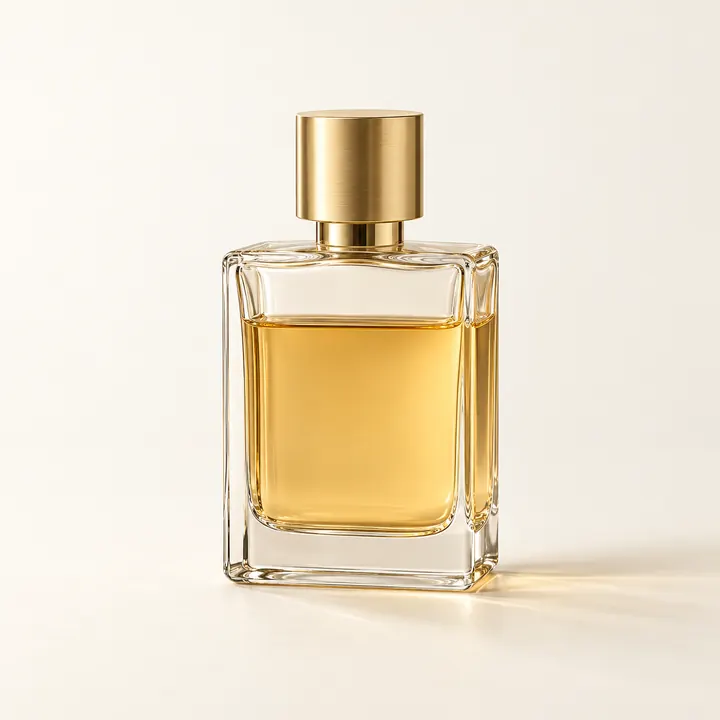
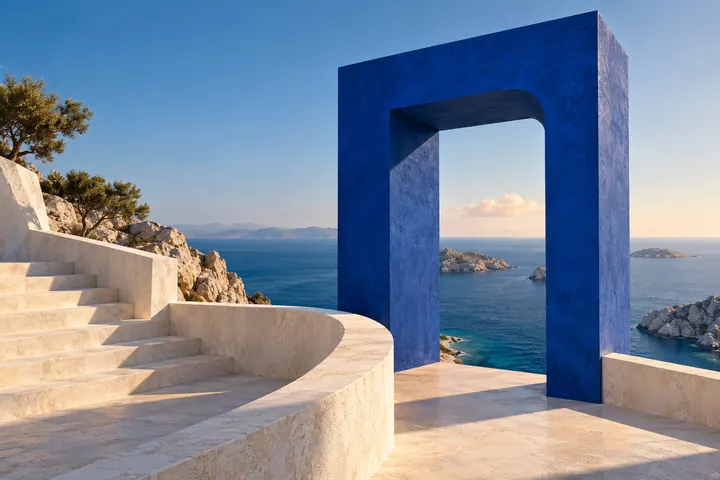
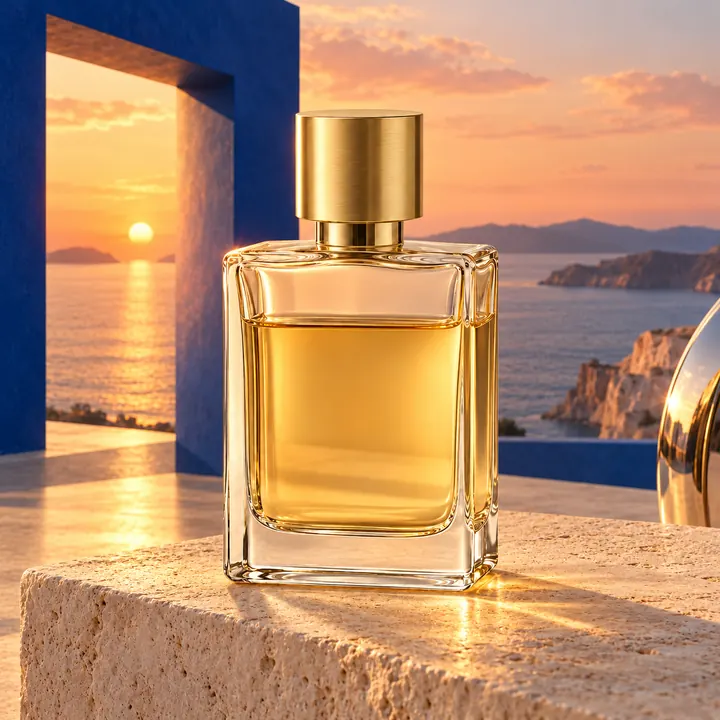
常見問題
以下為最常被詢問的問題與解答。
應選擇哪個模型?
將滑鼠移至選單中的模型上,即可查看其擅長的內容與支援的輸入。如不確定,可先使用預設模型,再以相同的提示詞比較第二個模型;切換模型時,提示詞會保留。
是否可以編輯自己的照片?
可以。任何支援參考圖的模型皆可:上傳照片並描述要進行的更改。
生成失敗時會如何處理?
因本站故障所致的失敗,或遭內容審核攔截的生成,不扣點數。模型服務商未對失敗收費時,本站亦不收費;若已收費,則依實際用量扣除,且不超過報價,並於紀錄中標明扣款。
未找到所需的答案? 請來信至 support@arumi.ai.
開始創作
使用 Arumi 生成圖片、影片、音訊與音樂。