
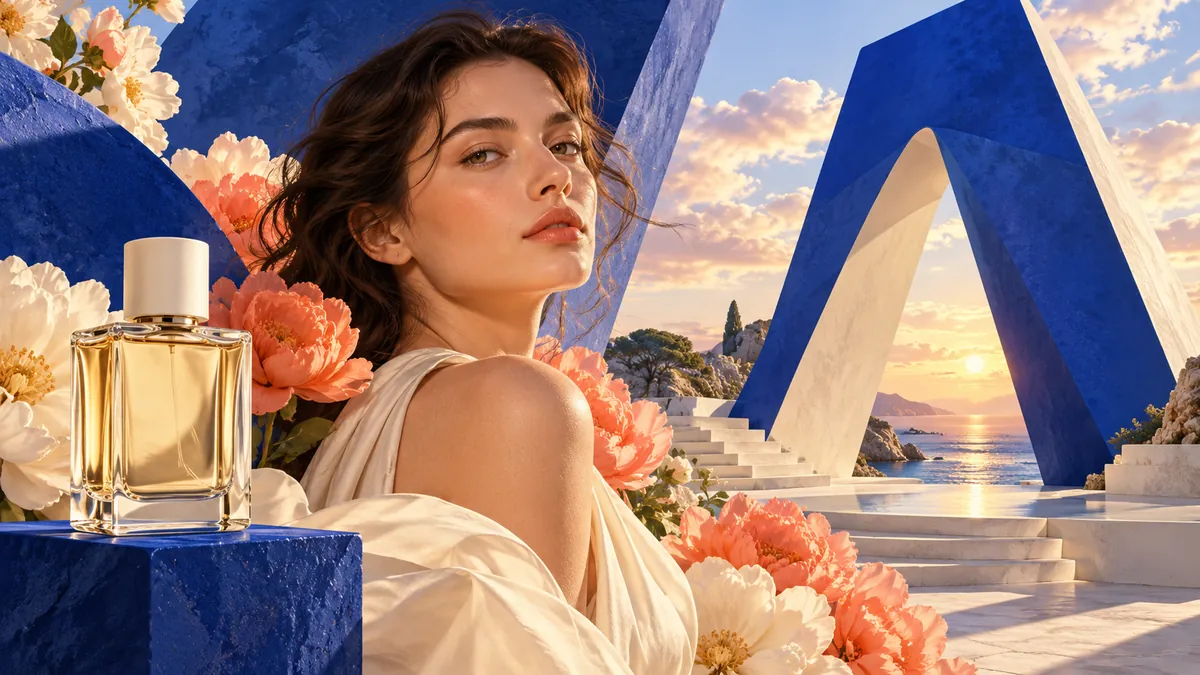
Examples and their prompts
Results from this generator. A prompt can be used as it is, or copied and edited.
Available image models
Every model shows only the settings it supports. Select a model in the box above; switching models keeps the prompt.
Model list updated
| Model | Suited to | Resolution | Inputs | Current price |
|---|---|---|---|---|
Seedream 4.0BytePlus | Unified 4K generation and editing | 1K–4K | Up to 14 images | |
Seedream 4.5BytePlus | Consistent multi-image editing with typography | 2K–4K | Up to 14 images | |
Seedream 5.0 FlashBytePlus | Fast low-cost image generation | 1K–2K | Up to 10 images | |
Seedream 5.0 Flash LayerizeBytePlus | Image split into editable layers | 1K–2K | Up to 1 image | |
Seedream 5.0 ProBytePlus | Reasoning-driven infographic generation | 1K–2K | Up to 10 images | |
Seedream 5.0 Pro LayerizeBytePlus | High-fidelity layered image breakdown | 1K–2K | Up to 1 image | |
Nano Banana ProGoogle | Studio-quality 4K visuals with text rendering | 1K–4K | Up to 14 images | |
Nano Banana 2Google | High-efficiency generation and editing | 0.5K–4K | Up to 14 images | |
Nano Banana 2 LiteGoogle | Rapid 1K image ideation | 1K | Up to 14 images | |
Nano Banana 2.1Google | 4K images with accurate text layouts | 1K–4K | Up to 14 images | |
GPT Image 1.5OpenAI | Improved prompt adherence for image generation | — | Up to 16 images | |
GPT Image 2OpenAI | Prompt-faithful image text rendering | 1K–4K | Up to 16 images | |
GPT Image 2.5 FlareOpenAI | Fast everyday image generation | 1K–4K | Up to 16 images | |
GPT Image 2.5 SunburstOpenAI | Precision-focused image editing | 1K–4K | Up to 16 images | |
Grok Imagine Image 2.0xAI | Multi-output image variations | 1K–2K | Up to 3 images | |
Qwen Image 3.0Alibaba | Faster dense-layout image generation | 1K–2K | Up to 3 images | |
Qwen Image 3.0 ProAlibaba | Small multilingual text rendering | 1K–2K | Up to 3 images | |
Wan 2.5 ImageAlibaba | Enhanced aesthetics and realistic texture | — | Up to 2 images |


How to generate an image
Three steps from a description to an image.
Describe the image
Choose a model from the picker at the top of the form.
Adjust the settings
Write a prompt; add reference images if the model supports them.
Generate
Set size and quality, check the credit price, and click Generate.
Using reference images
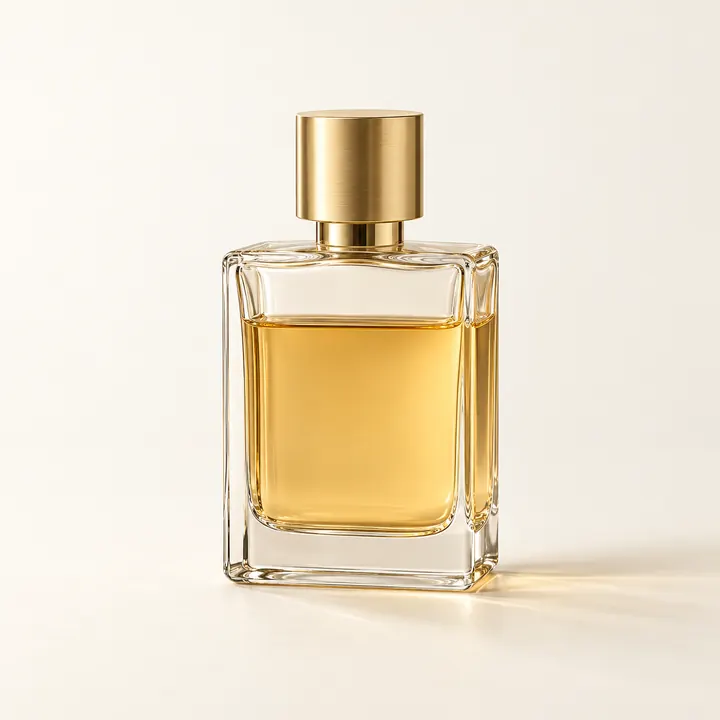
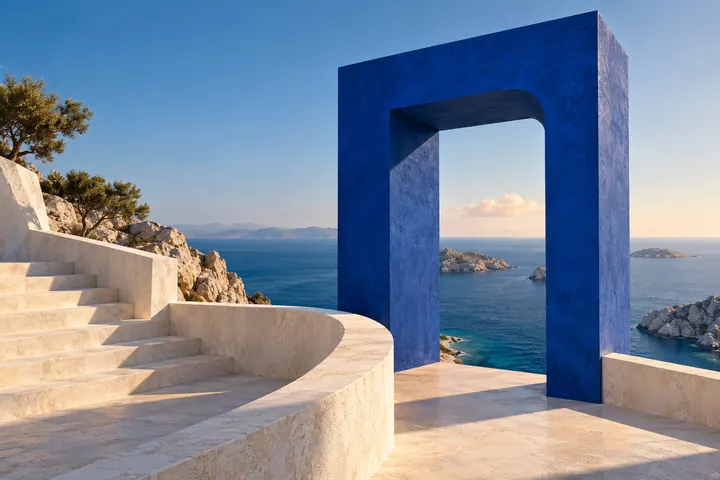
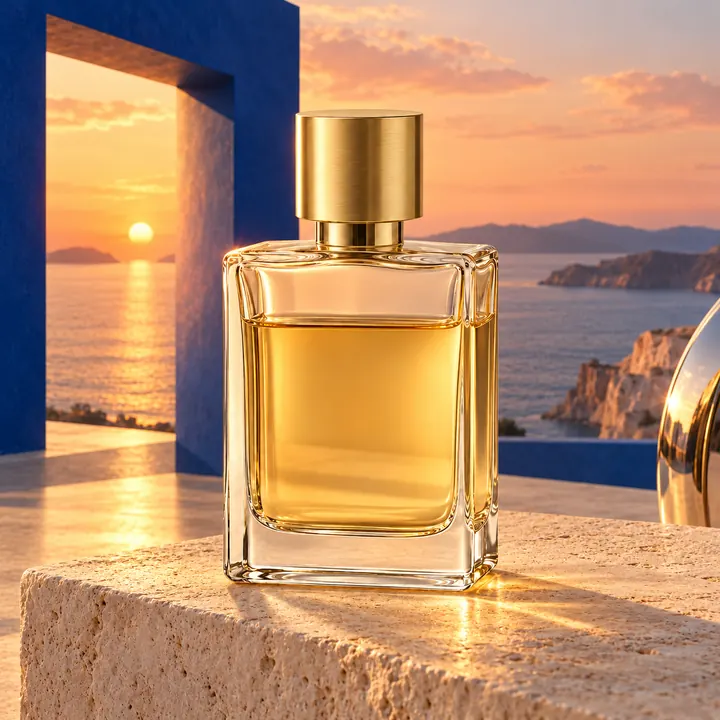
A reference image shows the model what is meant: the same subject, a style or a composition.
- Original photo
- Reference
- Result
Frequently asked questions
Answers to frequently asked questions.
Which model should I choose?
Hover over a model in the picker to see what it is suited to and which inputs it accepts. To compare, start with the default model and then try a second model on the same prompt; the prompt is kept when switching models.
Can I edit my own photo?
Yes, with any model that accepts reference images: upload the photo and describe the change.
What happens if a generation fails?
Failures caused by us or blocked by our content checks are free. If the model service does not charge for a failure, neither do we. If it does, you pay for the actual usage, capped at the quote, and the record shows the charge.
Need more information? Email us at support@arumi.ai.
Start generating
Create images, video, audio and music from a text description with Arumi.