
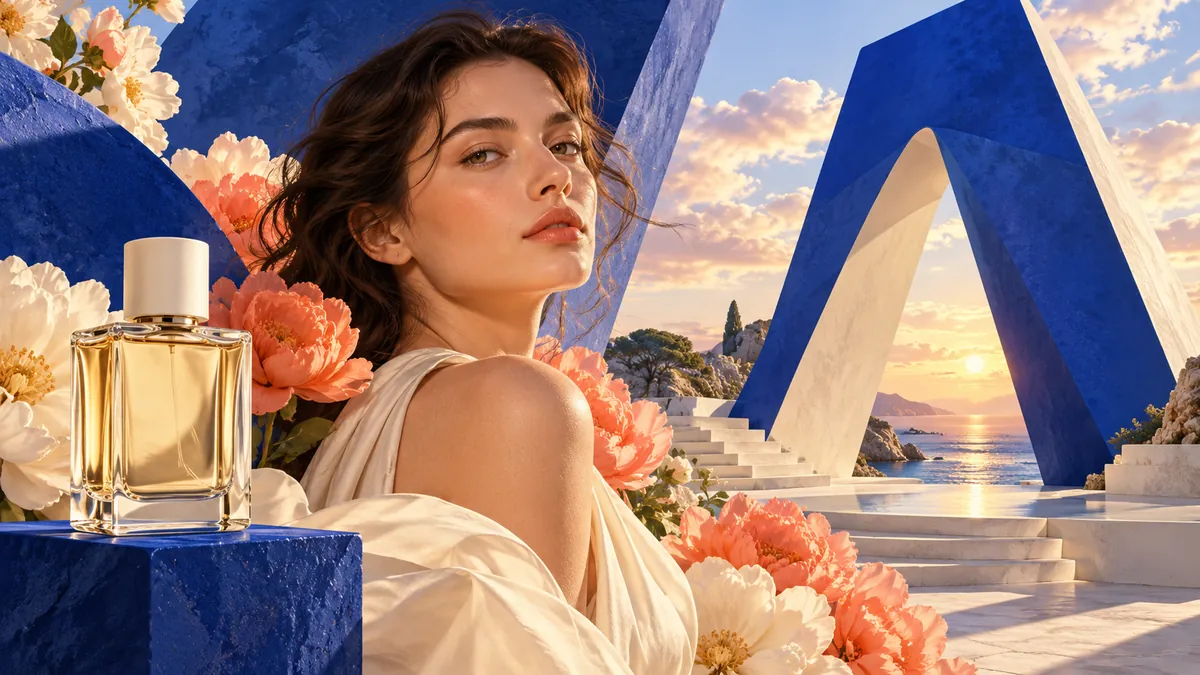
Flare or Sunburst
Flare is the faster, lighter version, meant for trying ideas quickly: drafts, variations of a concept, social images and anything where speed matters more than the last detail. Sunburst is the larger version for finished work: dense scenes, product shots, posters with text and edits that have to keep everything else in the image unchanged.
A practical way to work is to explore with Flare and switch to Sunburst for the version you keep. The prompt stays in the form when you switch versions.
Text to image and photo editing
Without reference images, GPT Image 2.6 creates a new picture from the prompt. With one or more reference images, it edits them: change the background, replace an object, restyle a photo, or keep a person or product the same while the scene around them changes. Describe the change in plain words, for example "make it a rainy evening and keep the car exactly as it is".
Choose the aspect ratio, the resolution (1K, 2K or 4K) and one of five quality levels in the form; up to 16 reference images can be added. Every result is kept in History with its prompt and settings, so it can be downloaded or used again for the next edit.
What GPT Image 2.6 is good at
Faster than GPT Image 2.5
OpenAI says both versions generate images about 50% faster than GPT Image 2.5, and Flare can return an image in as little as six seconds.
Editing that stays consistent
Sunburst is built for detailed compositions and keeps a subject, layout and style steadier from one edit to the next.
Two versions, one prompt
Switch between Flare and Sunburst without rewriting the prompt: it stays in the form, so the two are easy to compare.
How to use GPT Image 2.6
Pick the version
GPT Image 2.6 Flare is selected first; switch to Sunburst in the model picker for detailed work.
Write the prompt
Describe the image, or the change you want. Add reference images to edit a photo or keep a subject consistent.
Set size and quality
Choose the aspect ratio, the resolution and the quality. The credits for this image appear on the Generate button.
Generate and download
Generate, then download the image or keep editing from the result. Everything you make stays in History.
How credits work for GPT Image 2.6
GPT Image 2.6 is priced per image by the version, the size and the quality you choose, plus the reference images you add.
The Generate button shows the credits for the image before you click, and a successful image is charged exactly that amount. A failure caused by us, or stopped by our own content checks, costs nothing. If a failed attempt had already been processed, you pay for the actual usage, never more than the quote, and the record shows the charge; otherwise nothing is charged.
Generating with it uses credits from a credit pack, a one-time purchase with no subscription.
See credit packs and pricingFrequently asked questions
Need more information? Email us at support@arumi.ai.
What is GPT Image 2.6?
It is OpenAI's image generation and editing model released in November 2026, the successor to GPT Image 2.5. It comes in two versions, Flare and Sunburst, and takes a text prompt and optional reference images.
What is the difference between Flare and Sunburst?
Flare is the faster version for quick iteration. Sunburst is the larger version for detailed compositions and for edits that need to stay consistent. Both accept the same inputs.
Can I use GPT Image 2.6 for free?
It uses credits from a credit pack, a one-time purchase with no subscription.
Can GPT Image 2.6 edit my own photos?
Yes. Add your photo as a reference image and describe the change. The model edits the picture and can keep people, products or the layout as they are while changing the rest.
Do I need an OpenAI account or API key?
No. You use GPT Image 2.6 here with your Arumi account and credits, in the browser.
Try GPT Image 2.6 now
Write a prompt or add a photo, pick Flare or Sunburst, and check the credits before you generate.